Publish with a plan
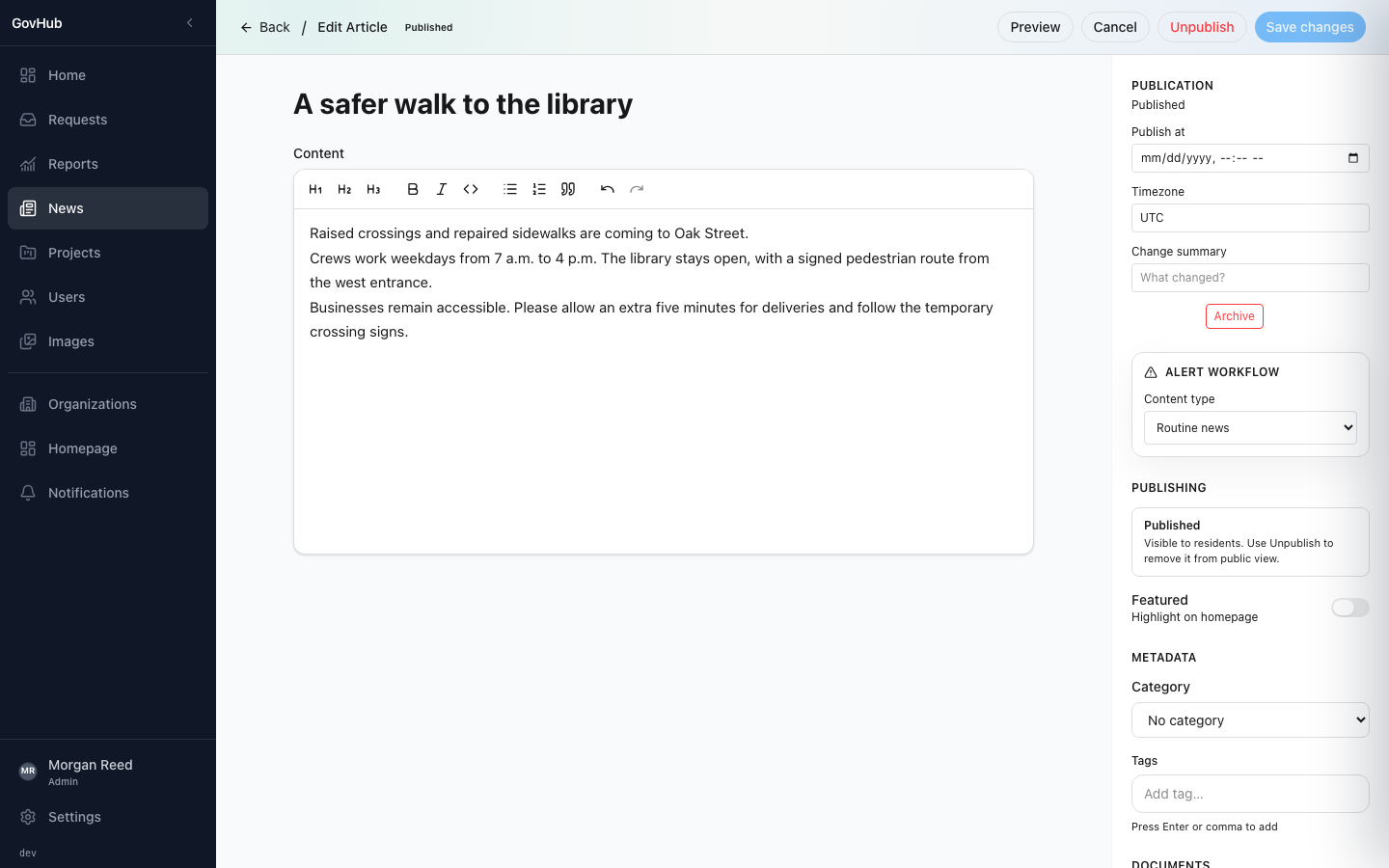
Draft, preview and schedule news and project updates. Keep corrections and publication history connected to the original story.
Community communication. Connected.
The work of local government, easier to see and follow. GovHub connects a staff web workspace with a resident mobile app for official updates, public projects and service requests.
One place to publish. A clearer way to stay informed.
Give news, alerts and public projects a clear, official home.
Let residents find, save and follow the updates relevant to them.
Turn a report into a conversation with status, replies and a history.
For residents & local businesses
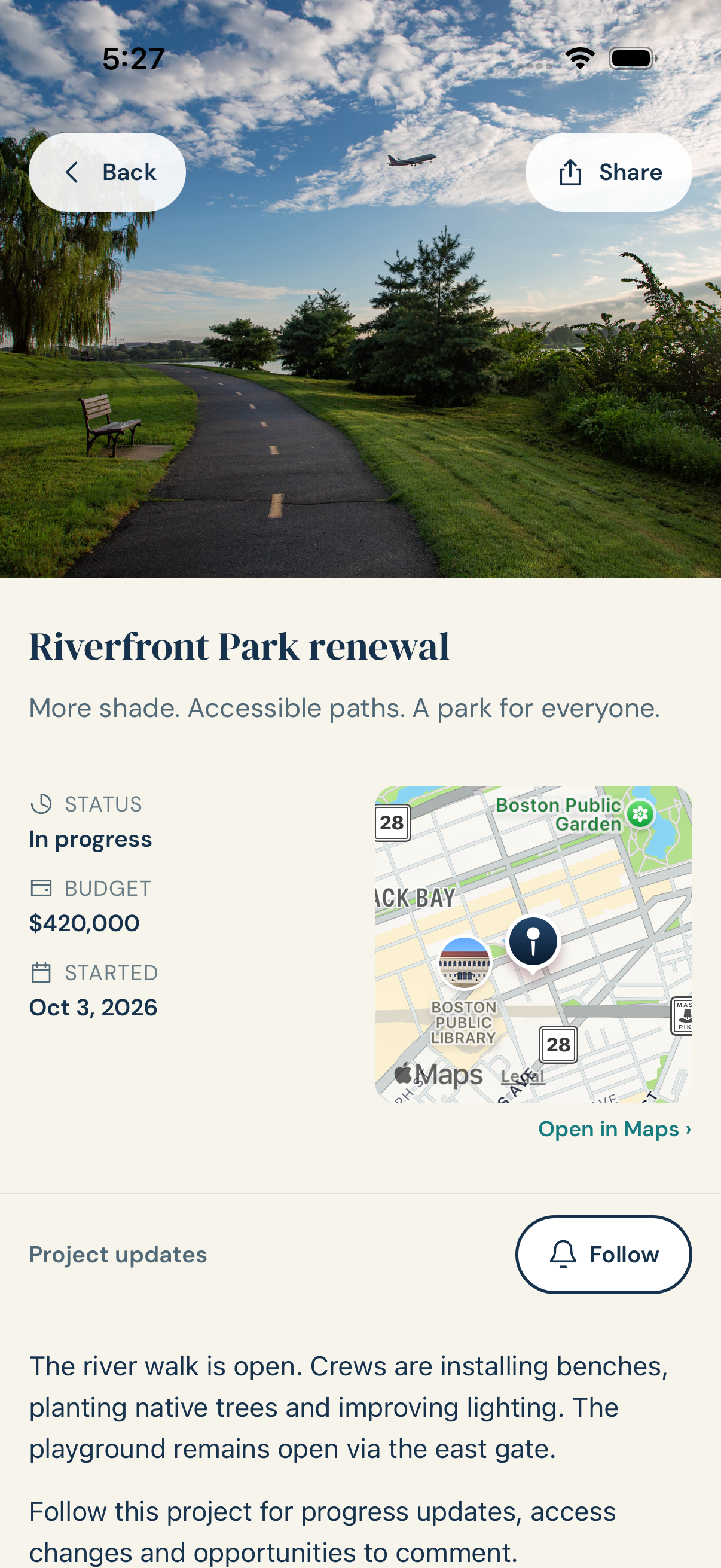
A road project on your commute. Improvements at your local park. The issue you reported last week. Keep the information and its next update within reach.
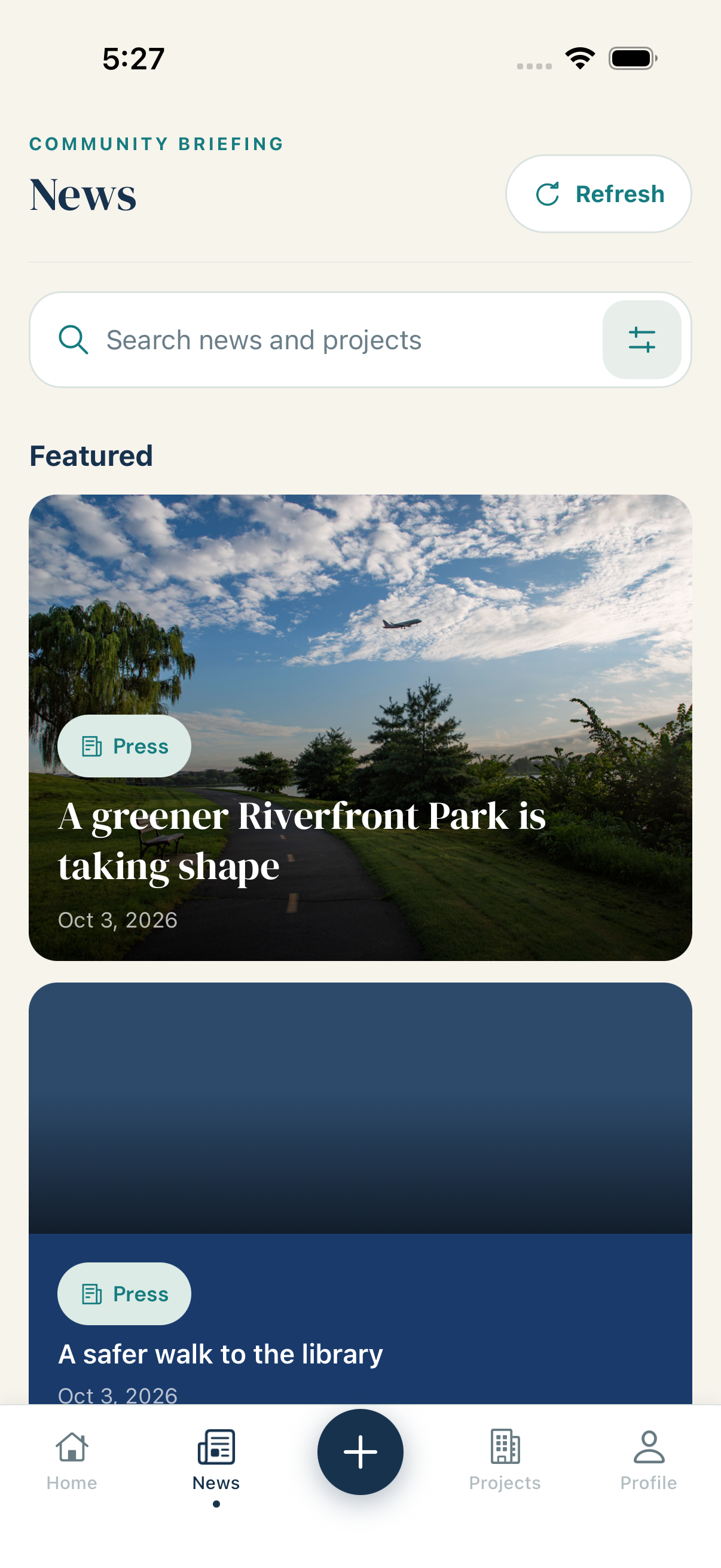
Browse official news and alerts. Search news and projects by keyword and date.
Save an article, follow a project and revisit updates in your activity feed. Manage your notification preferences.
Send a location and photo, check request status and exchange messages with the team handling it.
For local government teams
Give staff one workspace for the information they publish and the requests they manage. Keep ownership, public updates and operational context close to the work.
Draft, preview and schedule news and project updates. Keep corrections and publication history connected to the original story.
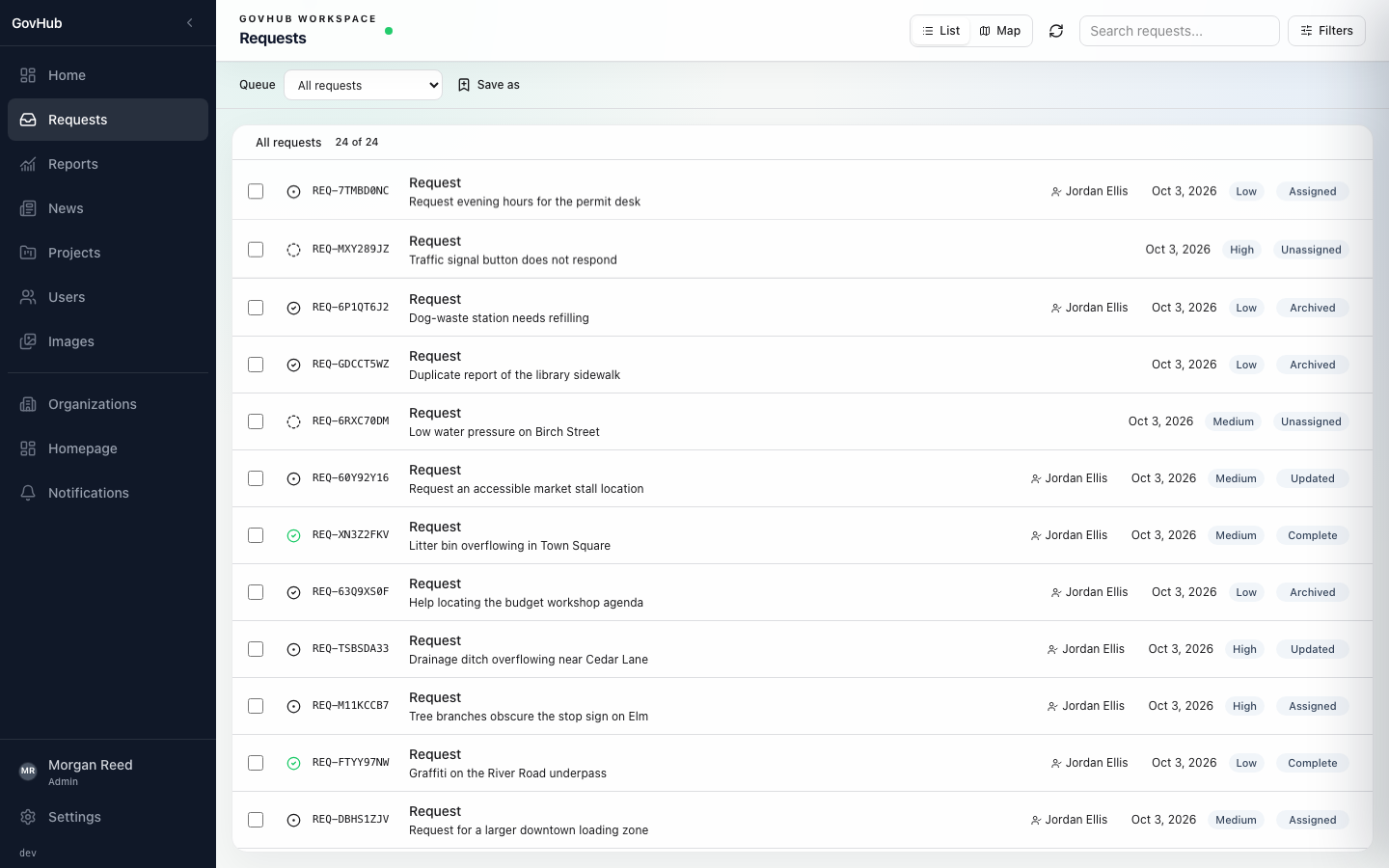
Search requests, save filtered queues and assign work in bulk. Response targets help surface what needs attention next.
Move between list and map views. Search an area, inspect service-area coverage and review operational reports.
Share progress with residents while keeping internal staff notes separate. Roles and organization boundaries control access.
Before you dive in
Two apps, distinct roles, one connected civic conversation.
Local government teams that publish community information and coordinate service requests—and the residents who want to understand what is happening. Local business owners can use the resident experience to follow projects and notices that affect their neighborhood.
Staff use the web workspace to publish news, maintain projects and manage requests. Residents use the mobile app to browse their community, follow updates and report issues. Each organization controls its own content and workspace.
No. Official news, alerts and ongoing projects are central to GovHub. Reporting an issue is one part of the conversation, alongside following local work and understanding what changes next.
Creating an account does not provision a municipality or grant staff access. Organization setup and staff membership must be configured for your team. Residents need a participating community; mobile availability depends on its rollout.
Keep your community moving
Start with the work your community already cares about. Make it easier to find, understand and follow.
Already part of a GovHub team? Sign in to your staff workspace.
New to GovHub? Your organization must be set up and staff access assigned before you can use the workspace. Residents join through their participating community’s mobile rollout.